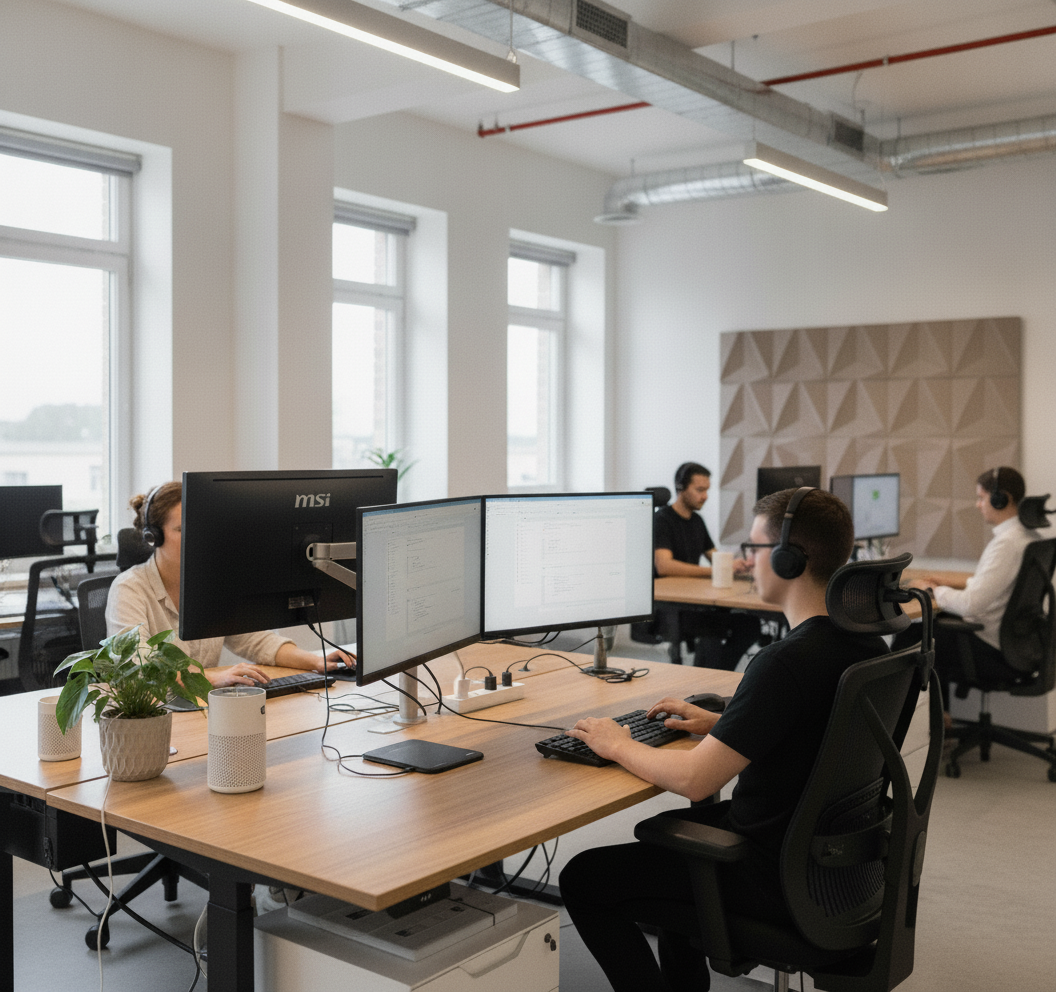
Many professionals now work remotely, but to make remote work effective, focusing on your setup is essential.
Studies show that 30% of remote workers struggle to focus due to poor work settings. A clean, organised workspace is not just nice to have; it’s crucial for productivity.
In this article, we’ll share twelve smart ways to create a remote work environment that boosts productivity, reduces distractions, and helps you succeed.
Key Steps to Boost Productivity in Your Remote Setup
Here are the twelve key steps to boost productivity in your remote setup:
Step 1: Create a Dedicated Workspace
Physical separation plays an important role in maintaining focus and consistency when working remotely. A dedicated workspace outside the main home can help reduce interruptions and reinforce clear work boundaries.
Surrey Hills Garden Buildings design bespoke garden offices and combination rooms that give remote professionals a purpose-built environment for focused, professional work. Check out design for inspiration at surreyhillsgardenbuildings.co.uk.
Step 2: Invest in Ergonomic Furniture
Your comfort affects how well you work. An ergonomic desk and chair can improve your posture and reduce strain on your body, especially during extended hours. When you’re buying furniture, look for desks and chairs that adjust to fit your body. This will help you avoid fatigue and long-term health issues.
Step 3: Optimise Lighting for Productivity
Good lighting is essential for staying focused. Natural light is the best option. If that’s not possible, get adjustable artificial lights. Avoid bright overhead lights that can strain your eyes. Instead, choose a desk lamp that offers soft, warm light. Proper lighting reduces eye strain and helps you stay concentrated during the day.
Step 4: Minimise Digital Clutter
Digital distractions can reduce your effectiveness. Keep your desktop tidy, organise your documents, and use apps like Trello to manage your tasks. Organising your digital space can help you feel more in control and stay focused on what you are doing.
Step 5: Maintain Work-Life Balance with Clear Boundaries
When you work from home, it’s easy to mix your personal and work life. To avoid this, set clear working hours and stick to them. Don’t do work tasks outside these hours. Creating a daily routine and shutting down at the end of the day are vital for preventing burnout.
A recent StandOut CV report shows that 78% of remote workers enjoy a better work-life balance when they set clear boundaries. Creating these routines helps you disconnect and recharge. This, in turn, boosts your productivity.
Step 6: Declutter Regularly
Messy environments lead to a messy mindset. To stay organised, set regular times for decluttering. A tidy workspace helps you focus and feel in control. Keep only necessary items nearby and store anything that distracts you away.
Step 7: Choose the Right Technology
Using the right technology tools can boost your efficiency. Use reliable communication tools such as Slack, project management apps like Asana, and productivity-boosting software like Notion to make your work easier. Choose tools that fit your work style and keep everything organised in one place.
Step 8: Personal Your Space
Keeping a professional environment is essential, but adding personal touches to your workspace can boost your mood and motivation. You can include a favourite art piece, a houseplant, or meaningful keepsakes. These small additions can create a more inviting and encouraging workspace.
Step 9: Delegate Low-Value Tasks
As remote workloads grow, many professionals find that productivity issues stem less from focus and more from task overload. Delegating recurring admin and operational work can free up major mental space. Buy Back Time provides bespoke virtual assistant support tailored to individual workflows, helping founders and remote teams protect time for higher-value work.
Step 10: Set Clear Goals and Priorities
Setting clear goals is essential for remote work. Start each day by prioritising your tasks and breaking them down into smaller steps. Use to-do lists, calendars, or apps to track your progress. Having a clear plan for the day will help you stay focused and avoid clear distractions.
Step 11: Invest in Sound Control
Noise can make it hard to focus at home. Buy noise-cancelling headphones or create a soundproof area for your work. If you can’t reduce the noise around you, try to use white noise or background music for focus.
Step 12: Keep Your Workspace Comfortable
Comfort goes beyond just a desk and chair. Make sure your workspace is at a cosy temperature and that you can easily reach everything you need, such as drinks, snacks, or other supplies. A welcoming workspace will help you stay productive throughout the day.
Conclusion
A good remote work setup involves more than just technology or a comfy chair. It should create a space that helps you focus, be productive, and succeed in the long term.
Use these twelve steps to improve your workspace and increase your productivity. Create a lasting and sustainable work environment. Take control of your remote work setup today and change your professional life for the better.